This guide covers how to link with the dedicated application for smartphones and tablets (iOS/iPadOS/Android™).
Using a dedicated application, you can download images to your smartphone or tablet. You can use it for various purposes such as managing photos, sharing them with acquaintances, and uploading them to social media.
Download the application from the link below according to the operating system and language of your smartphone or tablet.
X half

Gallery
Gallery allows you to view photos and videos taken with the camera.
It also allows you to display photos and videos in your favorite frames.
Album
Album allows you to view photos and videos taken with the camera by sorting them by type.
This is useful for selecting images for editing and sharing.
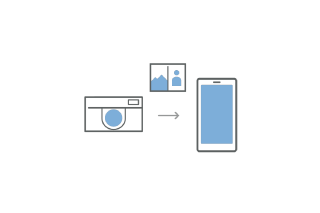
Importing Images from the Camera
You can import photos and videos taken with the camera via Bluetooth and Wi-Fi.
Imported photos and videos are stored on your smartphone and can be viewed in the “X half” Gallery and Album.
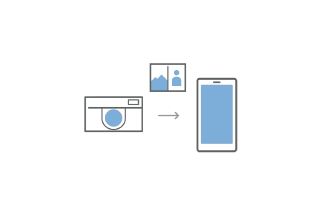
FILM CAMERA MODE
You can develop photos taken in the camera's FILM CAMERA MODE with this application.
Development allows you to check and view the photos you have taken.
A contact sheet is automatically created during development.
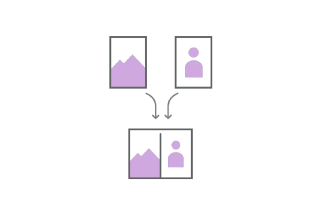
Creating a 2in1 Image
You can create a 2in1 image by placing two single images side by side.
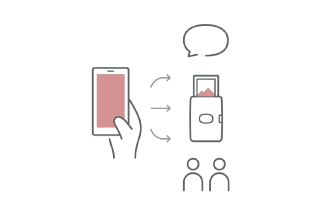
Sharing and Printing Images
You can share images from the Gallery and Album to social media and print them from the instax print app.
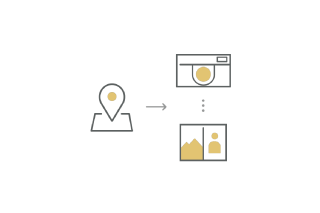
Synchronizing Location Information
You can synchronize the location information of your smartphone with the camera.
You can record the synchronized location information in the images taken with the camera.
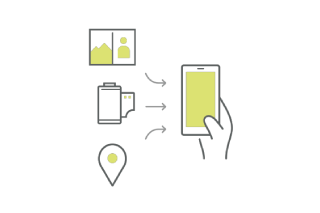
Activity Record
This function automatically records your shooting activities through camera operation.
Use FUJIFILM's Network Service to check your daily shooting activities in a diary format or as a summary.
You need FUJIFILM XApp separately to use Network Service.
Link with the FUJIFILM XApp application to upload information about shooting activities and information about the camera and review them later.
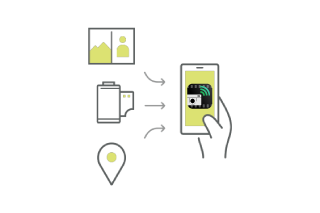
You can review your photos and the information about the photos in chronological order.
You can check the number of shootings and the number of shootings using the film simulation.
Download the application from the link below according to the operating system and language of your smartphone or tablet.

FUJIFILM XApp